Smart cube connectivity
Bluetooth connection flow, live move tracking, and virtual cube synchronization.
CubeZX
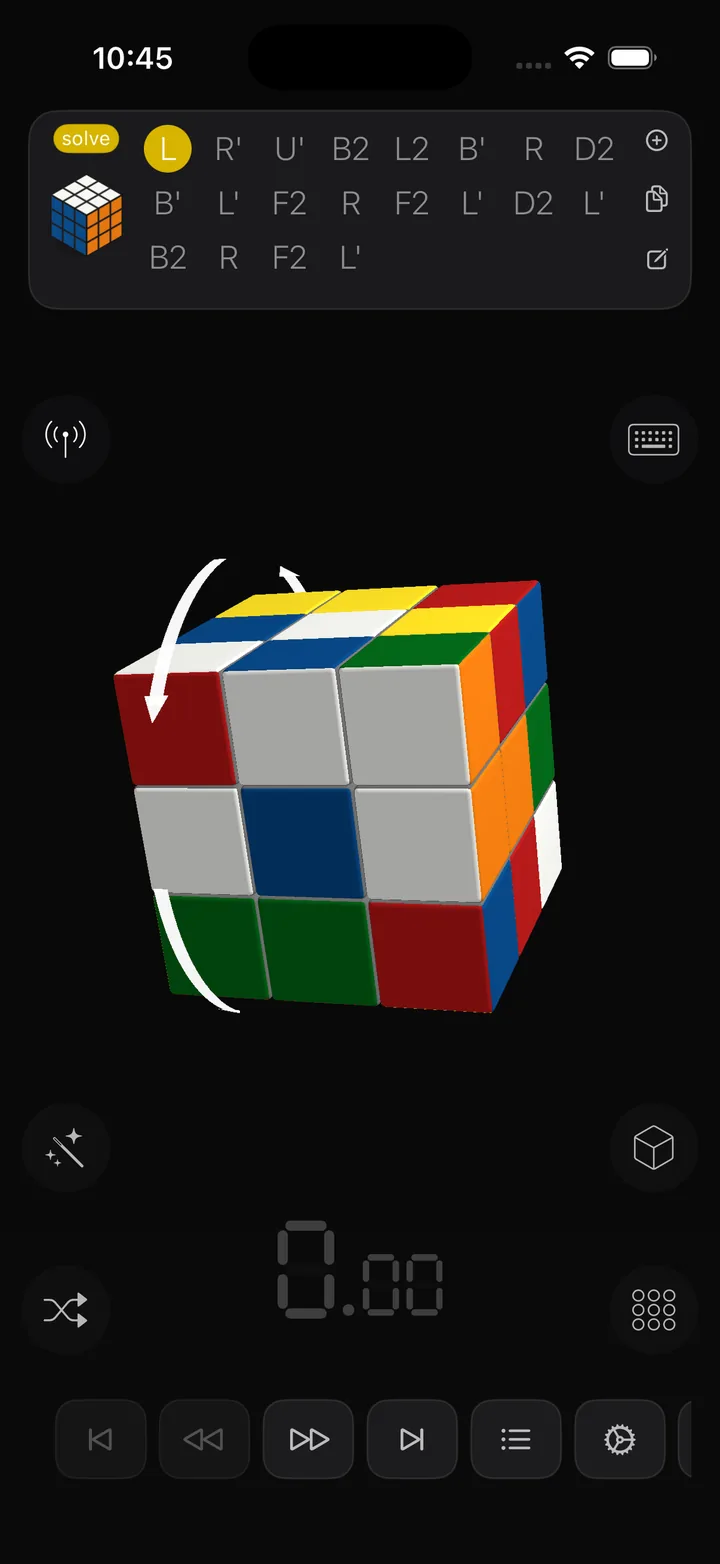
CubeZX helps you connect a smart cube, practice algorithms, run timed sessions, and review your results across iPhone, iPad, and Mac.
Platforms
iPhone, iPad, Mac
Focus
Smart cubes, algorithms, timer
Languages
10 supported localizations
Features
Bluetooth connection flow, live move tracking, and virtual cube synchronization.
Browse categories, subgroups, cases, and orientations with structured navigation.
Record solves, inspect results, and keep session history close to the training flow.
Preview cases, inspect state, and review playback when you need more context.
Solving
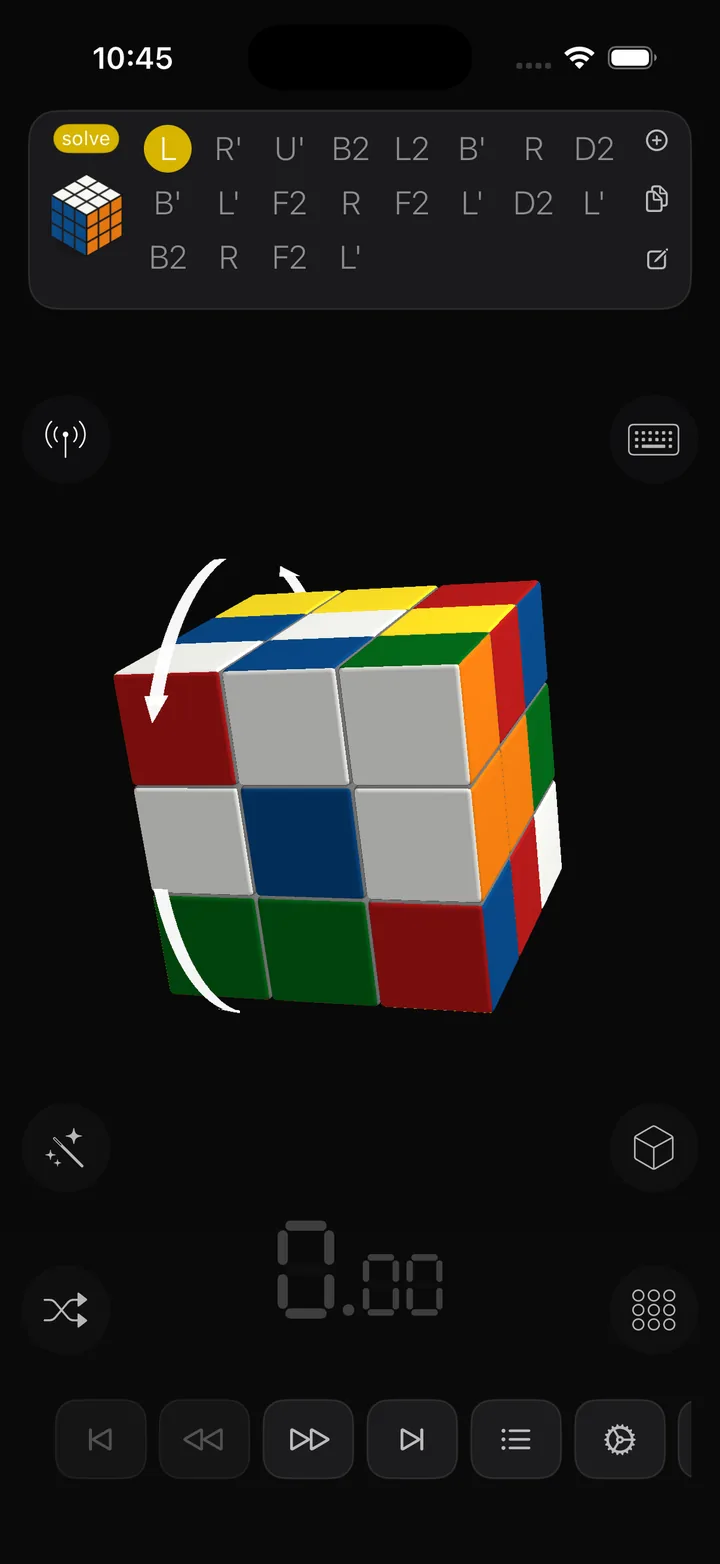
CubeZX keeps your active solve flow focused, whether you are using a smart cube or training manually. The main workspace keeps timing, cube state, overlays, and support controls close without turning the screen into clutter.
Scramble
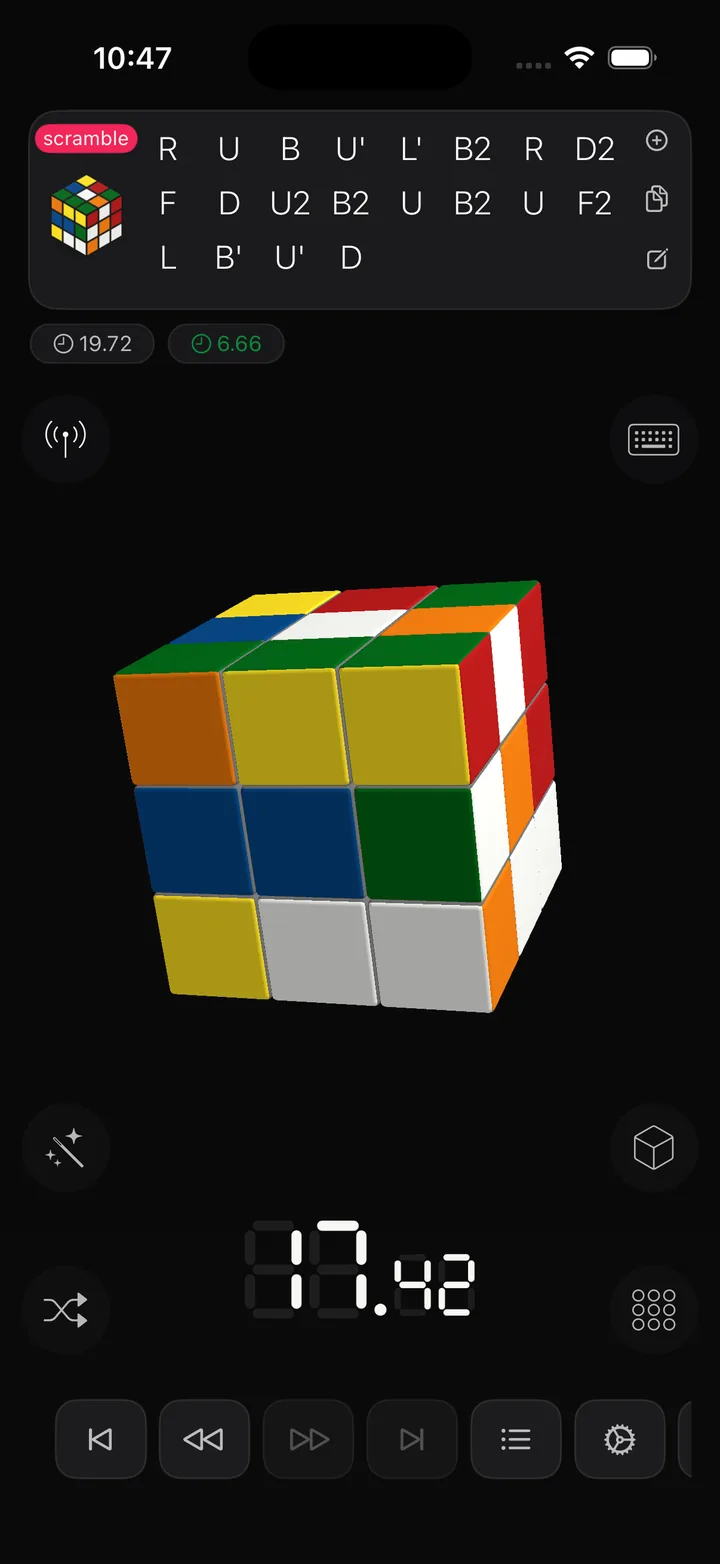
CubeZX lets you keep scramble handling inside the same training environment so setup, solve flow, and review all stay connected. That makes quick drills and repeated case work more efficient.
Algorithms
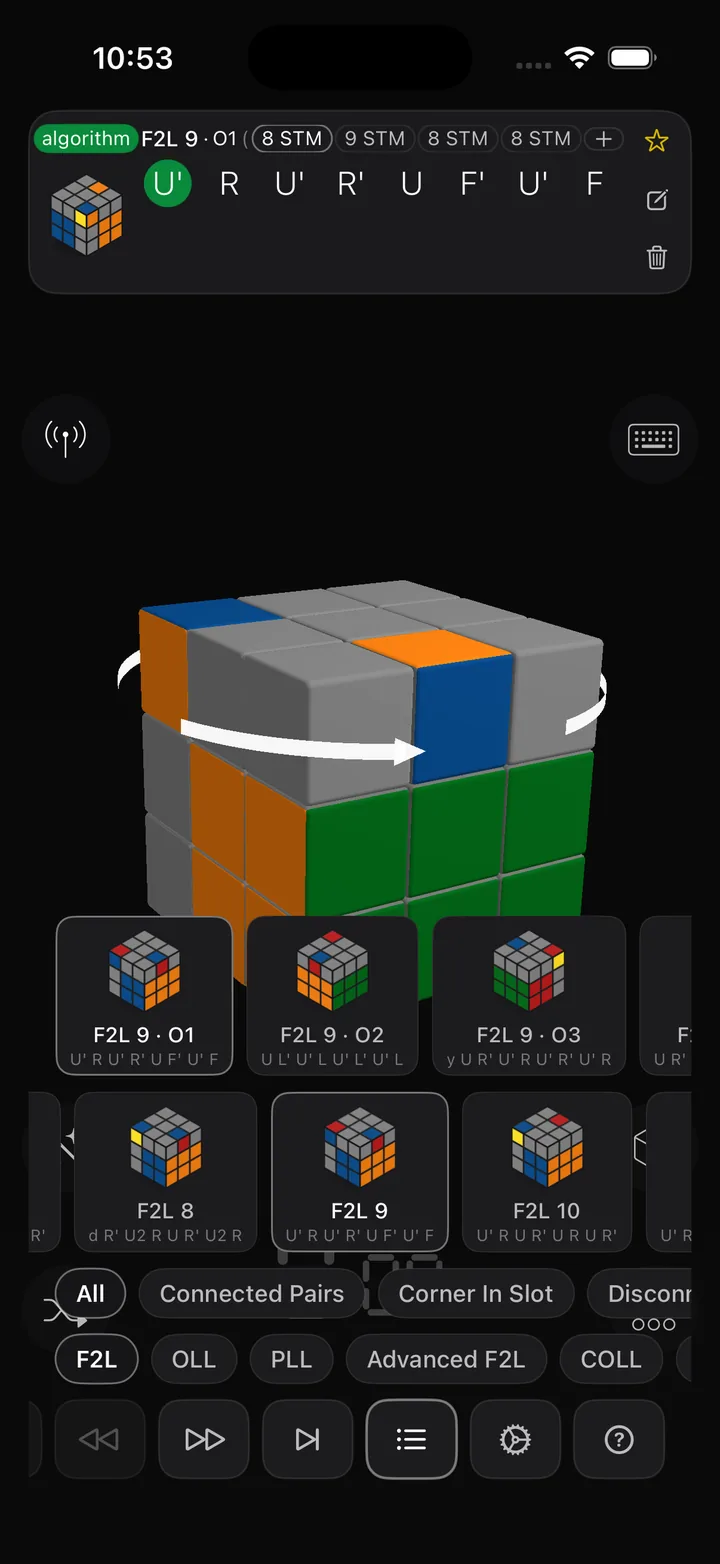
Instead of a flat note list, CubeZX organizes algorithm content into categories, subgroups, cases, and orientations so you can move through practice material in a way that matches real training.
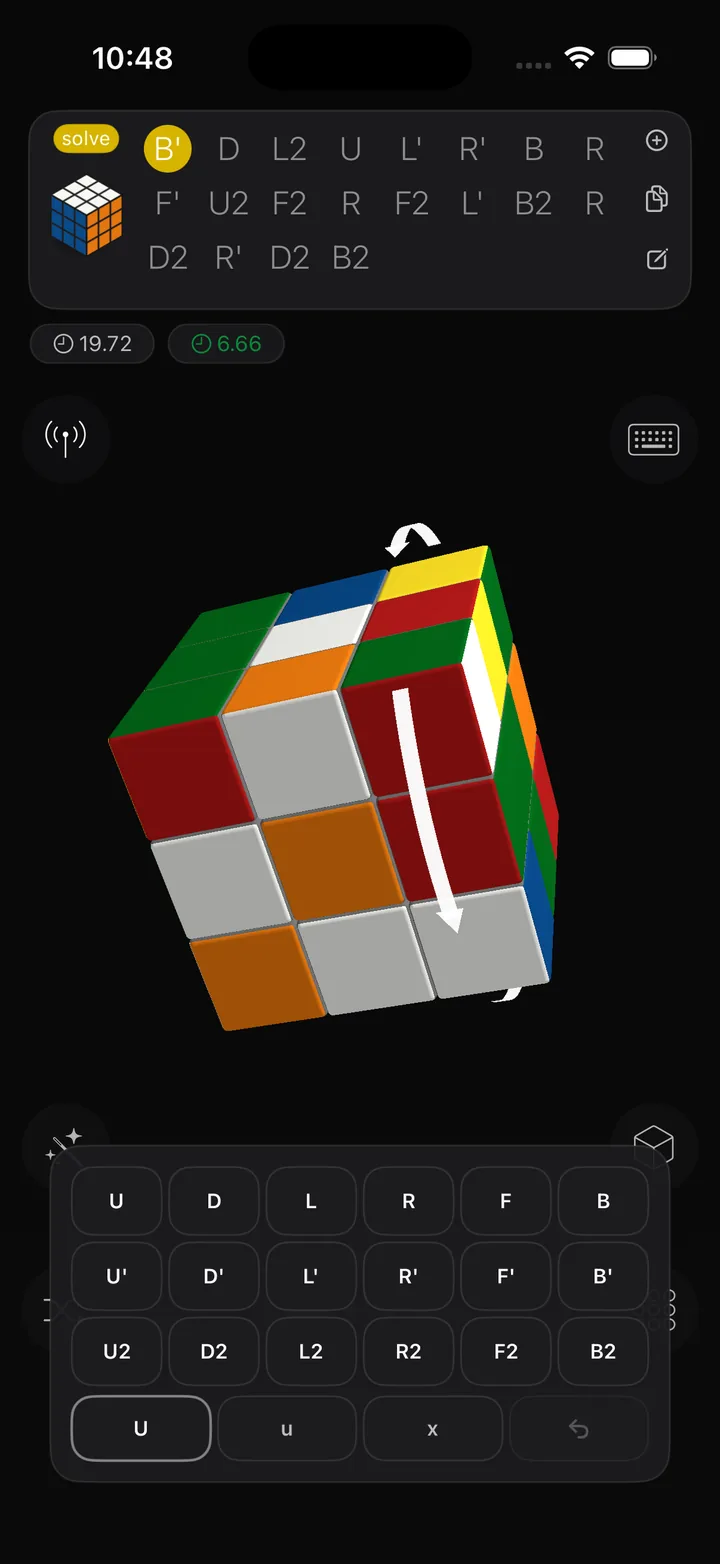
Screen Keyboard
The on-screen keyboard path helps when you want immediate manual interaction, testing, notation entry, or a more explicit input flow without leaving the main app workspace.
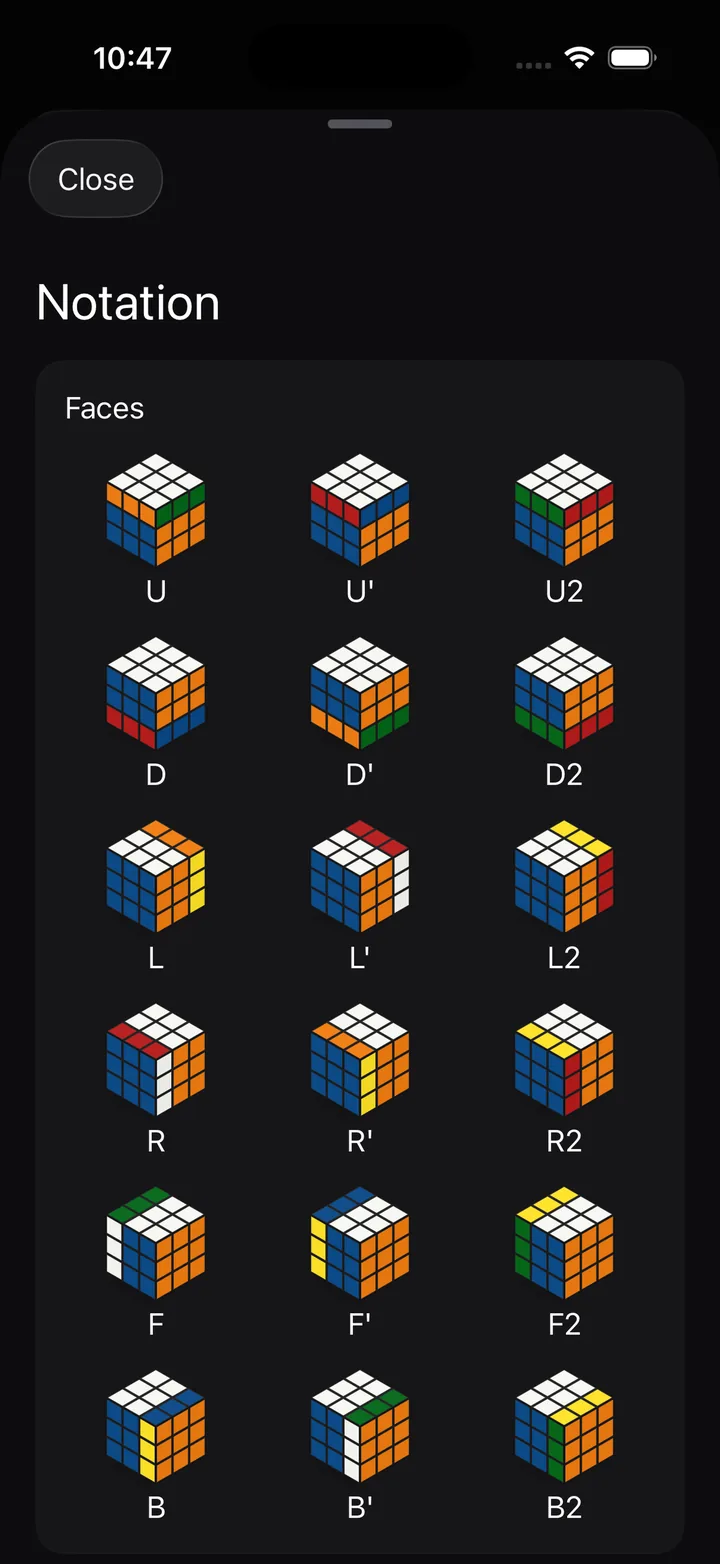
Notation
CubeZX includes notation tools so algorithms, scrambles, and move references stay readable and editable. That makes the app useful both for connected smart cube sessions and traditional algorithm study.
Smart Cubes
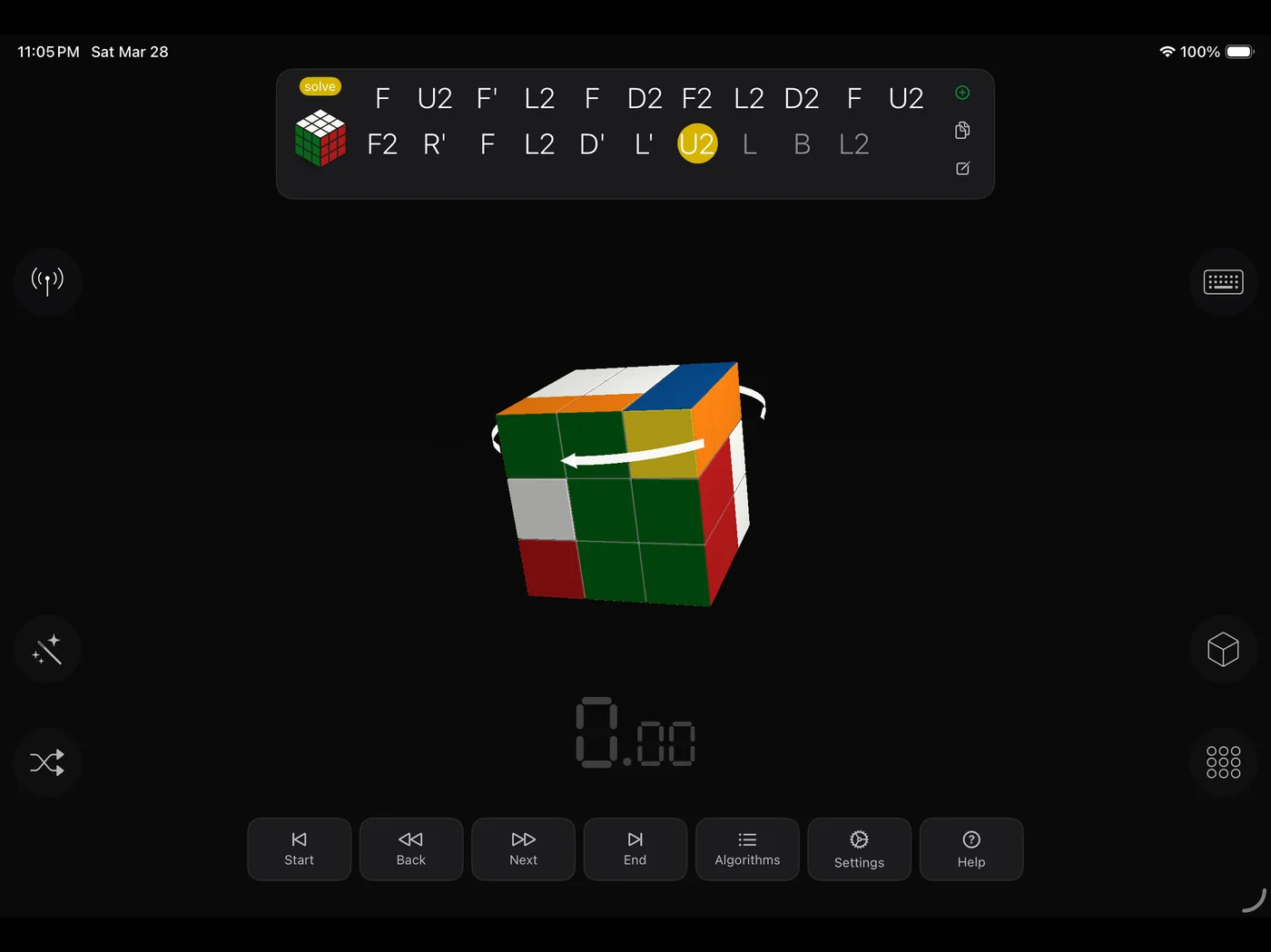
Workspace
CubeZX scales from quick phone sessions to larger iPad and Mac training workspaces for algorithms, overlays, and smart cube interaction.
Languages